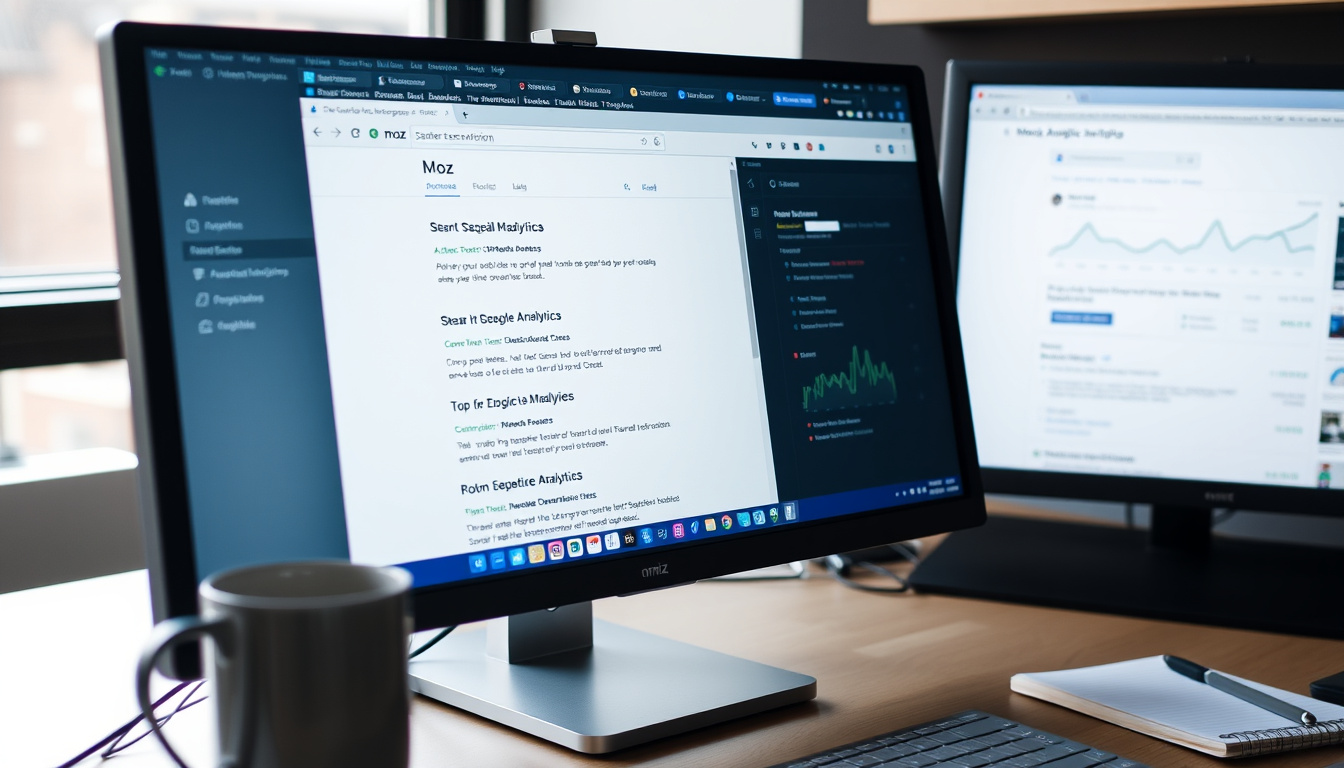
Moz Extension: What It Means and Why It Matters Explained Clearly


Anyone who’s spent a few hours comparing website metrics in separate tabs knows the friction of jumping between research tools. MozBar, the free browser extension from Moz, brings Domain Authority, Page Authority, and link data directly into your browser—right next to the page you’re already looking at.
Users: over 1 million Chrome users ·
Rating: 4.4 out of 5 stars on Chrome Web Store ·
Price: free ·
Platforms: Chrome and Firefox
Quick snapshot
- MozBar is free and owned by Moz (Moz Help – MozBar Overview)
- Works on Chrome and Firefox (Moz Help – MozBar Overview)
- Domain Authority is a proprietary Moz metric (Moz Help – Domain Analysis)
- Future pricing changes for MozBar
- Specific number of active MozBar users
- MozBar V5 re-engineered for Firefox as of July 2026 (Mozilla Add-ons – MozBar for Firefox)
- Moz continues to support both Chrome and Firefox with regular updates (Moz Help – MozBar Overview)
Six key specs define the MozBar extension as of mid-2026.
| Spec | Value |
|---|---|
| Developer | Moz, Inc. (Moz Help) |
| Supported browsers | Google Chrome, Mozilla Firefox (Moz Help) |
| Current Firefox version | MozBar V5 (Mozilla Add-ons) |
| Toolbar icon (active) | Blue “M” (Moving Traffic Media) |
| Toggle shortcut (Windows) | Shift+Ctrl+Alt+M (Clix) |
| Key metrics displayed | Domain Authority, Page Authority, link metrics (Powered by Search) |
What is a Moz extension?
What is MozBar?
MozBar is a free browser extension developed by Moz that places key SEO metrics—Domain Authority (DA), Page Authority (PA), and link data—directly into your Chrome or Firefox browser. According to Moz’s official help guide, the toolbar appears as an “M” icon in the extension bar and activates with a single click. Once enabled, it can display metrics as a floating toolbar or as an overlay on Google search results, letting you evaluate each SERP listing’s authority at a glance.
“MozBar helps you perform SEO research on the go, right inside your browser.”
— Moz Help – MozBar Overview
MozBar gives small business owners and content creators a free, instant view of a page’s SEO strength without leaving the page they’re researching.
For anyone who needs quick authority checks on competitor sites or inbound link targets, MozBar removes the friction of copy-pasting URLs into third-party tools.
What is domain authority?
- Domain Authority (DA) is a search engine ranking score developed by Moz, predicting how well a website will rank on search engines (Moz Help – Domain Analysis).
- Page Authority (PA) measures the predictive ranking of individual web pages (Powered by Search).
- Both scores are surfaced in real time by MozBar when you visit any page or search results page (Bespoke Digital).
The catch: DA is a comparative metric, not an absolute measure—a score of 60 means a domain is stronger than one with 40, but the scale is logarithmic and updated periodically. For readers who want to understand what the score means and how to increase Moz Domain Authority, this distinction matters.
Is the MozBar extension free?
What features are included in the free version?
- MozBar is free to download and use (Moz Help).
- A free Moz account is required to activate the toolbar and access full metrics (Moz Help).
- Premium Moz Pro plans (starting at $99/month or $79/month billed annually) unlock additional features like keyword research and site audits (Moving Traffic Media).
- Moz’s standalone Domain Authority Checker tool allows up to 3 free reports per day; unlimited reports require a Moz Pro subscription (Moz Help – Domain Analysis).
Free users get real-time DA/PA and link metrics on any page they visit, but deeper link analysis and bulk reporting are locked behind a paid plan.
“MozBar is free to install and use, but accessing the full Moz suite requires a paid plan starting at $99 per month.”
For small business owners and content creators who only need spot checks on competitor domains, the free MozBar plus the 3 daily DA Checker reports are sufficient. Anyone needing ongoing link research or site audits should consider the Moz Pro trial.
How to use Moz extension?
How to install MozBar?
- Open Chrome and visit the Chrome Web Store, or open Firefox and go to Mozilla Add-ons.
- Search for “MozBar” and click “Add to Chrome” or “Add to Firefox”. Confirm the extension permissions (PyTalkBiz).
- Once installed, the MozBar icon (an “M”) appears in the browser toolbar. Click it to open the sign-in screen (Powered by Search).
- Log in with a free Moz account (create one at moz.com/register). The icon turns blue when the toolbar is active (Moving Traffic Media).
- Pin the icon for easy access: click the puzzle-piece icon in Chrome, then the pin icon next to MozBar (YouTube tutorial).
How to check domain authority with MozBar?
After activating MozBar, navigate to any webpage. The toolbar will display the page’s Domain Authority and Page Authority along with link counts. To view SERP overlays, enable MozBar on a Google search results page—each listing will show its DA/PA and link metrics directly below the URL (Bespoke Digital). You can also cycle through modes (e.g., DA only, link analysis) by clicking the MozBar icon multiple times. For a deeper look at the Seomoz Page Authority metric, the extension surfaces that alongside DA.
How to analyze on-page elements with MozBar?
- MozBar highlights on-page elements such as meta tags, headers, and link attributes (PyTalkBiz).
- It can also show structured data and highlight nofollow vs. follow links (Powered by Search).
- Use the keyboard shortcut Shift+Ctrl+Alt+M (Windows) or Cmd+Option+Control+M (Mac) to quickly toggle the toolbar on and off (Clix).
The pattern: MozBar delivers the most essential SEO metrics at no cost, while advanced workflows require a paid Moz Pro plan.
What’s confirmed and what remains unclear
Confirmed facts
- MozBar is free and owned by Moz (Moz Help)
- Available for Chrome and Firefox (Moz Help)
- Domain Authority is a proprietary Moz metric (Moz Learn)
What’s unclear
- Future pricing changes for MozBar
- Specific number of active MozBar users
“MozBar can show DA and PA both on individual pages and as a SERP overlay so users can evaluate each search-result listing at a glance.”
For small business owners and independent content creators, the choice is clear: MozBar provides a free, on-the-go SEO audit tool that removes the need to pay for a full Moz Pro subscription when all you need is a quick domain authority check. For those running site audits or needing bulk link research, the 30-day free trial of Moz Pro is worth exploring.
Frequently asked questions
Does MozBar slow down browsing?
Most users report minimal impact; the extension only activates when clicked or when the toolbar is displayed.
Can I use MozBar on mobile browsers?
No, MozBar is only available for desktop versions of Chrome and Firefox.
Does MozBar work on all websites?
Yes, it works on any publicly accessible webpage. Some internal pages may not show metrics if they block crawlers.
Is my data safe when using MozBar?
Moz, a reputable SEO software provider, states that MozBar does not collect browsing data beyond what is necessary for the extension to function.
How often is domain authority updated?
Moz updates its index and recalculates DA periodically, but the scores displayed in MozBar are snapshots from the latest crawl.
What is the difference between MozBar and Moz Pro?
MozBar is a free toolbar for quick metrics. Moz Pro is a paid suite including keyword research, site audits, rank tracking, and more.
Can I use MozBar without a Moz account?
A free Moz account is required to activate the toolbar and view metrics. Signing up is free and no credit card is needed.